Customers rarely contact a business only during convenient office hours. Someone might ask about a service late at night, request an appointment early in the morning, or need help while the team handles other customers. When nobody responds, that person may move on to a competitor before the business gets a chance to reply.
For small businesses, providing round-the-clock support can feel impossible. Hiring employees for every shift increases operational demands, while asking a small team to answer every message quickly can lead to burnout and inconsistent service.
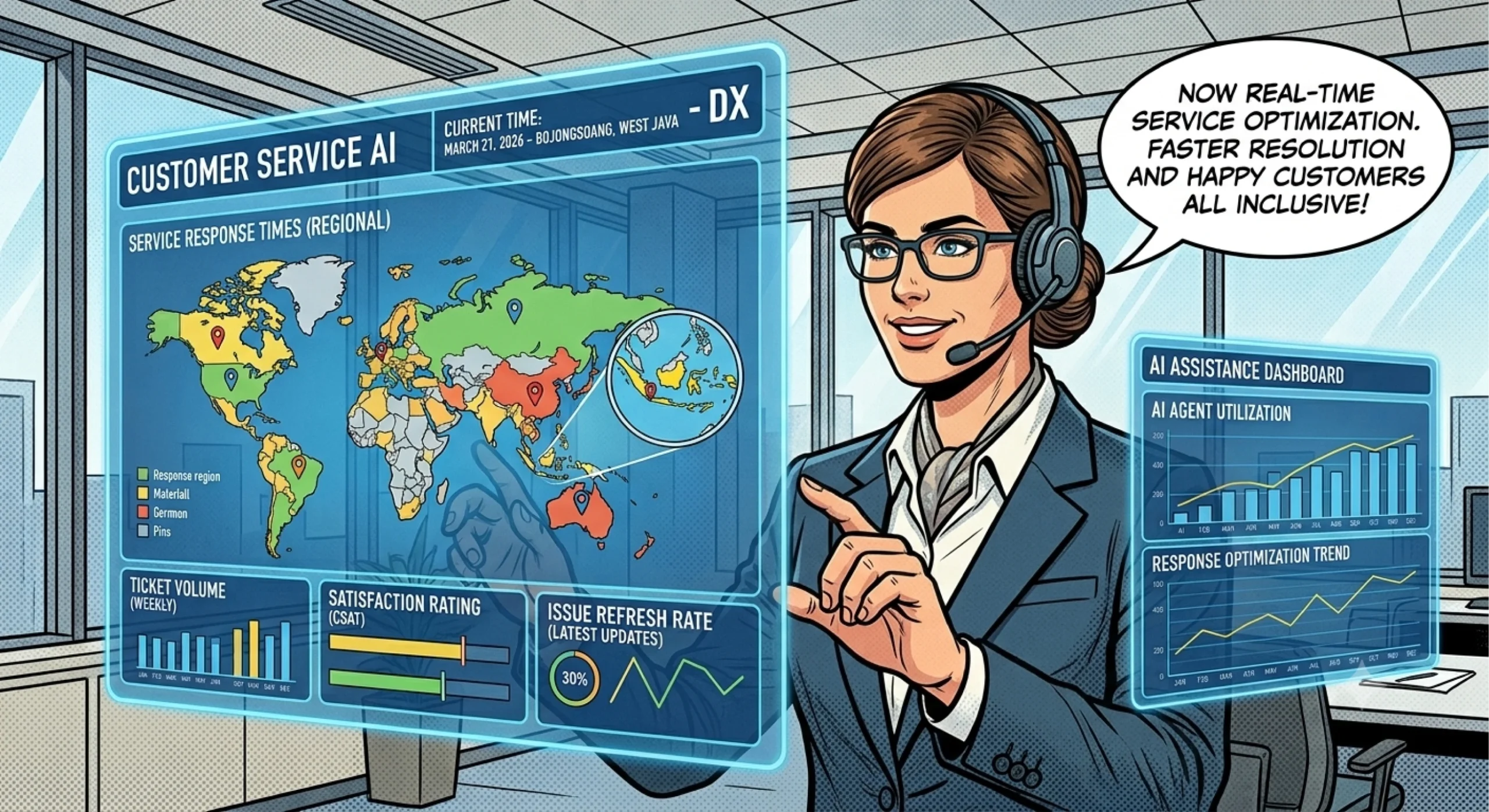
24/7 AI customer support offers another approach. By using an AI assistant to handle routine inquiries, provide relevant information, and guide customers toward the next step, small businesses can respond outside normal working hours without requiring an employee to answer every message immediately.
However, being available around the clock does not automatically guarantee good customer service. Businesses need accurate information, clear automation rules, and a reliable way to escalate complicated requests. This guide explains how continuous AI support works, where it helps most, and how small businesses can implement it responsibly.
What Is 24/7 AI Customer Support?
24/7 AI customer support uses artificial intelligence to help customers receive assistance at any time, including evenings, weekends, and holidays. Depending on the software and its configuration, an AI assistant can interpret questions, provide approved answers, collect preliminary details, and guide customers through common procedures.
Unlike a traditional contact form, which simply collects a message for later review, a conversational AI assistant can respond during the interaction. It may answer questions about business hours, explain service procedures, or direct a customer to the appropriate resource.
For example, imagine a small home cleaning company. A potential customer visits its website at 10 p.m. and asks whether the company serves their neighborhood. An AI assistant with access to accurate service-area information can explain the coverage and outline the next step, even when the office has closed.
This creates an important distinction: continuous availability does not mean every issue receives immediate human resolution. AI can handle suitable requests independently, while complex complaints, unusual circumstances, and sensitive matters may still require an employee.
Businesses should therefore define what their AI assistant can answer, which actions it can perform, and when it must direct a customer to a human representative.
Why Small Businesses Benefit from Around-the-Clock AI Support
Small businesses often operate with limited staff, competing priorities, and restricted time for administrative work. AI support can help address these constraints by handling predictable interactions while employees concentrate on higher-value activities.
Capture inquiries outside business hours
A customer who contacts a business at night may not want to wait until the following morning for basic information. An AI assistant can answer common questions immediately and help the customer understand what to do next.
For instance, a software consultant might use an AI assistant to explain available services, describe the onboarding process, and collect a prospective client’s project requirements. The consultant can then review the inquiry during business hours.
This approach helps businesses maintain engagement without promising that every request will receive a complete solution immediately.
Reduce repetitive work
Employees often answer the same questions throughout the day. These interactions may involve opening hours, service availability, booking procedures, delivery policies, or account instructions.
Automating suitable questions reduces repetitive manual work. Consequently, employees can devote more attention to unusual requests, customer complaints, and tasks that require professional judgment.
Improve response consistency
When several employees answer similar questions, differences in wording or interpretation can confuse customers. An AI assistant can draw on a shared, approved knowledge base to provide more consistent explanations.
Nevertheless, consistency depends on the quality of that information. Businesses must update policies, service descriptions, and procedures whenever circumstances change.
Support growth without adding an immediate response burden
As inquiry volume increases, a small team may struggle to maintain fast response times. AI can help manage routine conversations while the business evaluates its staffing and operational needs.
It does not eliminate the need for employees. Instead, it gives the team another way to manage demand and prioritize requests that genuinely need human attention.
Businesses exploring these possibilities can review the BuildX AI customer service solution to assess how AI-powered support may fit their customer communication workflows.
Which Customer Support Tasks Should Small Businesses Automate?
The best starting point is a task that occurs frequently, follows a predictable process, and has a reliable answer. Automating these tasks creates practical value without forcing AI to handle situations beyond its capabilities.
Frequently asked questions
An AI assistant can answer common questions about business hours, service areas, product information, booking procedures, and general policies.
For example, a local repair company could explain which services it offers, what information customers should provide when requesting assistance, and how to arrange an appointment.
The business should maintain a clear knowledge base and avoid letting the AI guess when information is unavailable.
Initial inquiry qualification
Businesses often need basic information before they can recommend a service or prepare a quotation. AI can ask structured questions about a customer’s requirements, location, preferred schedule, or project scope.
Consider a small web development agency. Its assistant could ask whether a prospect needs a landing page, an online store, or a more complex website. It could also collect the expected project timeline and essential requirements.
The agency can then review the information and decide how to proceed. The assistant should avoid promising a final price or delivery date unless the business has explicitly configured and authorized that process.
Appointment and service guidance
Depending on available integrations, AI may explain appointment procedures, guide customers through booking steps, or help them find the appropriate contact channel.
However, businesses should distinguish between explaining a booking process and confirming an actual appointment. The assistant should confirm reservations only when it can verify the relevant information through an authorized system.
Request classification and routing
Not every inquiry belongs to the same team. Billing questions, technical issues, sales requests, and complaints may require different handling.
AI can classify messages and direct them according to predefined rules. When a request falls outside its scope, it should explain the next step and provide a suitable route to human support.
For more context on these capabilities, read how AI customer service software automates repetitive support tasks.
How to Implement 24/7 AI Customer Support Successfully
A useful implementation starts with a specific business problem rather than an attempt to automate every customer interaction at once.
Step 1: Identify your most common inquiries
Review emails, chat messages, contact forms, and support records. Group similar questions and estimate how frequently each category appears.
Prioritize inquiries that meet three criteria:
- Customers ask them regularly.
- The business has a clear, approved answer.
- Resolving them requires little individual judgment.
For example, a small online service business might discover that many messages ask about service availability, onboarding steps, and account procedures. Those categories provide a manageable starting point.
Step 2: Prepare reliable business information
Organize frequently asked questions, service descriptions, policies, operating hours, and procedural instructions in a central knowledge base.
Use plain language and remove conflicting information. Assign a team member to review the content whenever the business changes its services or policies.
This step matters because AI response quality depends heavily on the accuracy and relevance of its information sources. A sophisticated assistant cannot reliably compensate for missing or contradictory business information.
Step 3: Define boundaries and escalation rules
Decide which inquiries the assistant can handle independently and which require an employee.
For example, an assistant may explain a general refund policy but should send a disputed refund request to an authorized team member. Similarly, it can provide general troubleshooting steps without making unsupported claims about a customer’s account.
Set escalation triggers for uncertain answers, repeated misunderstandings, complaints, and sensitive requests. Whenever possible, preserve the conversation history so employees can continue the interaction without asking customers to repeat everything.
Step 4: Test realistic conversations
Before launching, test questions that reflect how real customers communicate. Include incomplete messages, spelling mistakes, ambiguous requests, and questions that fall outside the assistant’s knowledge.
Review whether the AI provides accurate information, asks useful follow-up questions, and escalates appropriately. Correct weaknesses before expanding the rollout.
Step 5: Monitor performance and improve
After launch, review conversation logs and identify common failures. Update the knowledge base, refine instructions, and adjust routing rules based on actual customer behavior.
Start with one use case or communication channel, then expand when the workflow performs consistently. Businesses can explore the wider BuildX platform to evaluate available AI solutions in relation to their operational requirements.
How to Measure the Performance of 24/7 AI Customer Support
An AI assistant may respond quickly yet still frustrate customers if it provides irrelevant answers or makes resolution difficult. Therefore, businesses should measure both operational efficiency and customer experience.
Track these key performance indicators:
- First response time: How quickly the customer receives an initial reply.
- Resolution time: How long it takes to resolve an inquiry.
- AI resolution rate: The percentage of conversations resolved by AI without further assistance, using a clearly defined measurement.
- Escalation rate: The percentage of conversations transferred to a human agent.
- Customer satisfaction: Feedback about the usefulness and quality of support.
- Repeat-contact rate: How often customers contact the business again about the same unresolved issue.
Establish a baseline before implementation and compare results after launch. Where possible, segment the data by inquiry type, channel, and time of day to identify the situations where AI provides the most value.
Interpret the metrics together. A high AI resolution rate may look promising, but it can conceal poor service if customers abandon conversations or return later with the same problem.
Also, review a sample of conversations manually. Quantitative data shows where performance changes, while direct review helps explain why those changes occur.
Best Practices for Reliable and Customer-Friendly AI Support
Round-the-clock availability works best when customers receive accurate information and understand what the assistant can do. Several practices help maintain that standard.
Make the AI’s role clear. Explain its purpose and give customers a practical route to human assistance when necessary.
Keep information current. Review business hours, service details, policies, and procedures regularly. Remove outdated content that could cause confusion.
Protect customer data. Collect only the information needed for the task. Apply suitable access controls and follow relevant privacy requirements.
Avoid unsupported promises. Do not let the assistant guarantee appointment availability, refunds, prices, or delivery times unless it can verify those details through an authorized process.
Preserve the human connection. Some conversations involve frustration, unusual circumstances, or sensitive decisions. Make human support accessible for those situations.
Improve from real interactions. Review unresolved questions and customer feedback to identify where the assistant needs better information or clearer instructions.
Ultimately, 24/7 AI customer support should make it easier for customers to get help, not create another obstacle. Small businesses can start with a handful of common questions, evaluate the results, and expand automation as their workflows mature.
If your team regularly misses inquiries outside working hours or spends too much time answering repetitive questions, begin by identifying one support task that AI could handle reliably. Then review the BuildX AI customer service offering to determine whether its available capabilities match your needs.
Frequently Asked Questions
1. What is 24/7 AI customer support?
It is an AI-powered support approach that helps businesses respond to customer inquiries at any time, including outside normal business hours. Its capabilities depend on the software and its configuration.
2. Can small businesses provide 24/7 customer support without hiring night-shift employees?
AI can handle suitable routine inquiries outside business hours, reducing the need for employees to answer every message immediately. Complex issues may still require human follow-up.
3. What tasks can AI customer support handle automatically?
Common tasks include answering frequently asked questions, collecting preliminary customer information, explaining standard procedures, classifying inquiries, and directing customers to the appropriate resource.
4. Does 24/7 AI customer support mean every issue gets resolved instantly?
No. AI can respond at any time, but some issues require human judgment, additional verification, or access to business systems. Businesses should communicate expected next steps clearly.
5. How can a small business measure whether AI customer support is effective?
Monitor response time, resolution time, AI resolution rate, escalation rate, customer satisfaction, and repeat contacts. Review these metrics together to evaluate both efficiency and service quality.