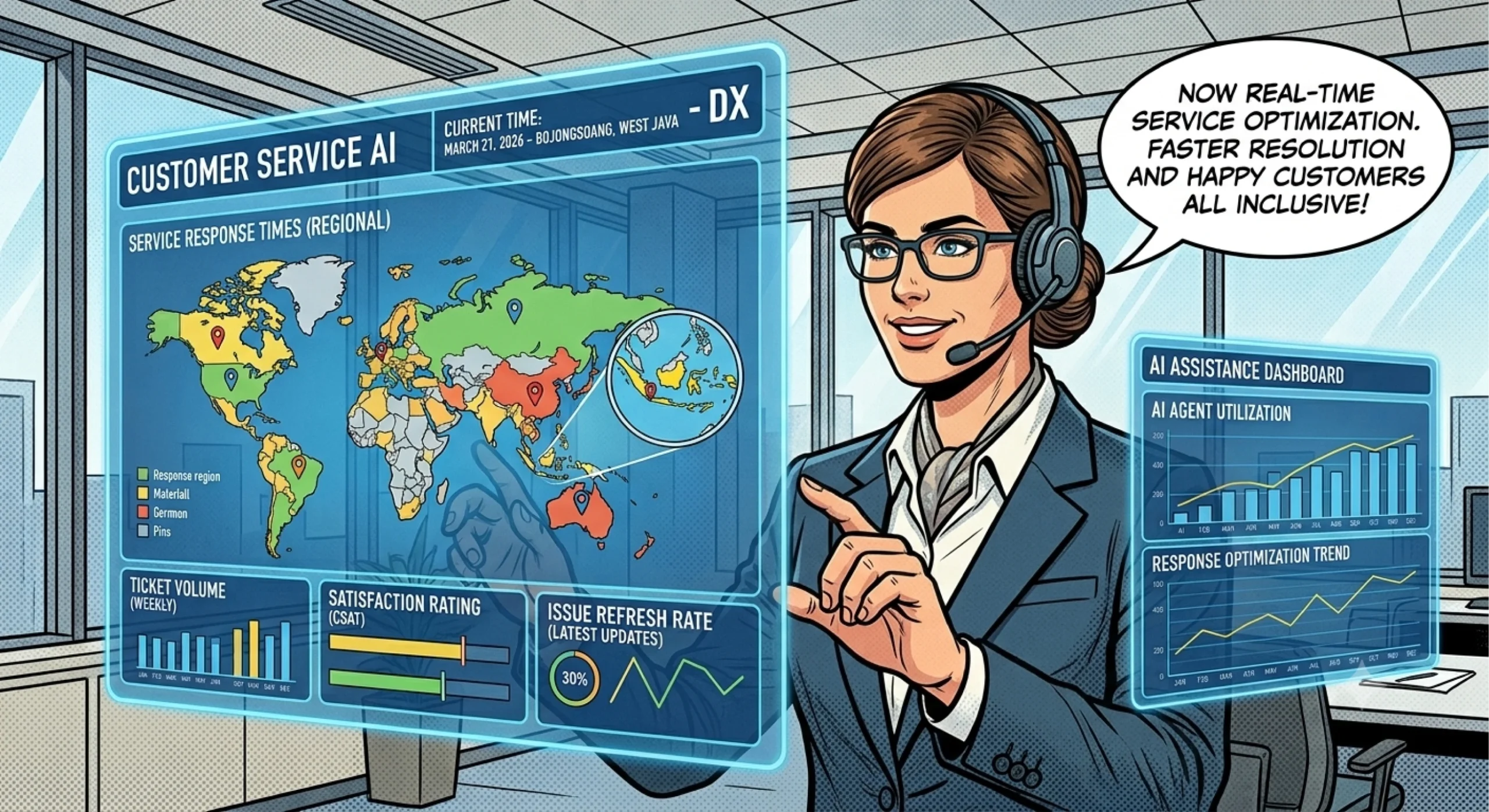
Customers expect quick answers when they have questions about products, orders, appointments, or services. However, maintaining a responsive support team around the clock can be difficult, especially for businesses with limited staff or customers across different time zones. Unanswered messages can create frustration, delay purchasing decisions, and increase the workload when employees return.
AI customer service offers a practical way to handle routine customer inquiries outside normal business hours. By using conversational AI to answer common questions, guide customers through simple tasks, and route complex issues to human agents, businesses can improve response availability without requiring an employee to handle every conversation manually.
Nevertheless, effective automation requires more than installing a chatbot. Businesses need reliable information, clear escalation rules, and a process for reviewing the quality of automated responses.
Understanding how AI customer service works helps businesses build a support system that remains available 24/7 while preserving the human assistance customers sometimes need.
What Is AI Customer Service?
AI customer service uses artificial intelligence to assist with customer inquiries across digital communication channels. Depending on the system, it may use natural language processing, large language models, knowledge bases, and workflow automation to interpret questions and generate relevant responses.
Unlike a basic rule-based chatbot that follows predefined conversation paths, an AI-powered customer service system can often interpret different ways of asking the same question. For example, customers might ask, “Where is my order?”, “Has my package shipped?”, or “Can I track my delivery?” The system can recognize that these questions concern order status, provided it has access to the necessary information.
Common applications include:
- Answering frequently asked questions about products and services
- Explaining business hours, delivery policies, and appointment procedures
- Guiding customers through basic troubleshooting
- Collecting information before transferring a case to a support agent
- Directing inquiries to the appropriate department
AI customer service supports human agents rather than automatically replacing every support function. Complex complaints, sensitive situations, unusual requests, and decisions requiring human judgment may still need direct assistance.
The objective is to automate suitable interactions while making it easy for customers to reach a person when necessary.
How to Automate Business Support 24/7 with AI
Building a reliable automated support workflow involves identifying repetitive tasks, preparing accurate information, and deciding how the system should handle different requests.
1. Identify common customer inquiries
Start by reviewing customer emails, chat transcripts, contact forms, and frequently asked questions. Look for recurring requests that follow predictable patterns.
Examples include questions about opening hours, product specifications, booking procedures, shipping policies, and account setup.
Prioritize inquiries that employees answer repeatedly and that have clear, documented responses. Avoid automating complicated decisions until you understand the information and controls those decisions require.
2. Build a reliable knowledge base
AI customer service works best when it has access to accurate business information. Prepare a knowledge base containing approved answers, product documentation, policies, troubleshooting instructions, and other relevant resources.
Organize the content into clear categories and remove outdated information. If two documents provide conflicting instructions, resolve the conflict before connecting them to the system.
You should also define what the AI must do when it cannot find a reliable answer. In such cases, it should acknowledge the limitation, request clarification, or direct the customer to a human agent instead of inventing information.
3. Connect the appropriate communication channels
Choose the channels your customers already use, such as a website chat interface or a supported messaging platform. Depending on the solution, a business may also connect additional channels through integrations.
Before launching, confirm that the software supports the required channels and that each integration works as expected.
For instance, a website chatbot may answer general questions, while an integrated support workflow may need access to order information to respond to delivery inquiries. These are different capabilities and require different levels of system access.
4. Configure escalation to human agents
Not every inquiry should remain with the AI. Define clear escalation rules for situations such as payment disputes, complex technical problems, complaints, and requests involving sensitive customer information.
The system should collect useful context before transferring the conversation, where appropriate. This helps the human agent understand the issue without asking the customer to repeat everything.
Finally, test the complete workflow using realistic questions before making it available to customers.
Key Benefits of AI Customer Service for Businesses
AI-powered support can improve customer communication when businesses implement it with clear objectives and appropriate safeguards.
Faster responses to routine questions
Customers can receive answers to supported questions without waiting for an employee to become available. This can be especially useful outside business hours, during weekends, or when inquiry volumes increase.
However, response speed alone does not determine service quality. The system must also provide relevant information and recognize when it cannot resolve a request.
More consistent customer information
A centralized knowledge base helps the AI deliver responses based on approved business information. As a result, customers can receive more consistent explanations of policies, product features, and standard procedures.
Businesses should regularly review the knowledge base to keep answers aligned with current policies and offerings.
Better use of human support teams
When AI handles suitable routine inquiries, employees can focus on complicated cases that require investigation, empathy, negotiation, or professional judgment.
For example, an automated assistant might explain a standard return policy, while a human agent handles a disputed refund involving unusual circumstances.
Support for growing inquiry volumes
Businesses may experience sudden increases in messages during product launches, marketing campaigns, or seasonal demand. AI can help handle supported questions during these periods without requiring every interaction to begin with a human agent.
Actual capacity depends on the system’s configuration, integration limits, and the complexity of customer requests. Businesses should test performance before relying on automation during peak periods.
Choosing the Right AI Customer Service Software
Selecting a suitable solution requires more than comparing chatbot features. Businesses should consider their communication channels, information sources, customer needs, and support processes.
Knowledge and response quality
Determine whether the software can use your approved documentation and whether you can update its information easily. Test how it responds to ambiguous questions, missing information, and requests outside its scope.
A reliable system should distinguish between supported answers and situations that require clarification or escalation.
Channel and system integrations
Check whether the software supports your website, messaging channels, customer relationship management system, or other business applications.
If you want to automate WhatsApp conversations, for example, verify the available WhatsApp integration and the conditions required to use it. Do not assume that every AI chatbot automatically supports every messaging platform.
Human handoff and control
Look for clear options to transfer conversations, preserve relevant context, and define which tasks the AI can perform.
Also, determine whether the system can access customer records or execute actions such as creating tickets. These functions require appropriate permissions and should not be assumed from conversational capabilities alone.
Privacy and security
Customer support conversations may contain personal information, order details, or account-related data. Review the provider’s data handling practices, access controls, retention settings, and available security measures.
Give the AI only the information and permissions necessary for its assigned tasks. Avoid exposing sensitive customer information in responses or allowing the system to make consequential decisions without suitable controls.
Common AI Customer Service Challenges and How to Address Them
Automation can introduce new problems when businesses deploy it without adequate testing or oversight.
Incorrect or fabricated answers: An AI system may generate an answer that sounds convincing but contains inaccurate details. Ground responses in approved information, test common scenarios, and provide an escalation path when the system lacks sufficient evidence.
Poor understanding of customer intent: Customers may use slang, misspellings, incomplete questions, or unfamiliar terminology. Test different ways of expressing the same request and let the system ask clarifying questions.
Limited ability to resolve complex issues: Some inquiries require account investigation, policy exceptions, or human judgment. Identify these cases early and route them appropriately.
Outdated business information: Incorrect operating hours, obsolete product details, or old policies can undermine trust. Assign responsibility for maintaining the knowledge base and reviewing important changes.
Unclear automation boundaries: Customers may become frustrated if they cannot reach a human. Explain what the assistant can do and provide a straightforward handoff when necessary.
A strong implementation combines automation with monitoring, feedback, and continuous improvement rather than treating deployment as a one-time task.
How to Measure and Improve AI Customer Support
Once the system is running, measure whether it actually improves the customer experience and support operation.
Track several useful indicators:
- First response time: How quickly does the system respond to incoming inquiries?
- Resolution rate: What proportion of inquiries does it resolve successfully without further assistance?
- Escalation rate: How often does the system transfer conversations to human agents?
- Customer satisfaction: Do customers find the answers helpful and the process easy to use?
- Answer accuracy: How often do reviewed responses match approved business information?
- Unresolved inquiry patterns: Which questions repeatedly cause confusion or require escalation?
Interpret these indicators together. A low escalation rate does not necessarily indicate success if the system gives incorrect answers or prevents customers from reaching a person.
Review conversation samples regularly, investigate recurring failures, and update the knowledge base or workflow rules accordingly. Over time, this process helps businesses identify where automation works well and where human support remains essential.
Getting Started with AI Customer Service
The most effective starting point is a clearly defined use case rather than attempting to automate every customer interaction immediately.
Choose a small set of frequent inquiries, prepare accurate answers, establish escalation rules, and test the system with realistic conversations. Once the workflow performs reliably, expand it to additional topics or channels based on customer needs.
Businesses exploring conversational automation can visit BuildX to learn more about its AI solutions. You can also review the BuildX AI Customer Service solution to assess whether its available features fit your support requirements.
With appropriate configuration, reliable information, and regular monitoring, AI customer service can help businesses maintain more responsive communication around the clock while ensuring that customers can still receive human assistance when they need it.
Frequently Asked Questions
1. What is AI customer service?
AI customer service uses artificial intelligence to answer customer questions, guide routine interactions, and support service workflows through digital communication channels.
2. Can AI customer service operate 24/7?
Yes. An appropriately configured system can respond to supported inquiries outside normal business hours, subject to the service’s availability, integrations, and operating limits.
3. Can AI customer service work with WhatsApp?
Yes, if the chosen solution supports the necessary WhatsApp integration. Businesses should verify channel compatibility, setup requirements, and supported functions before implementation.
4. Will AI customer service replace human agents?
Not entirely. AI can handle suitable routine inquiries, while human agents remain important for complex complaints, sensitive situations, exceptions, and issues requiring judgment.
5. How can businesses improve AI customer service accuracy?
Use an up-to-date knowledge base, test realistic customer questions, monitor answer quality, define escalation rules, and review conversations to identify recurring errors.